PlatformWorkflows
Your process, run the same way every time
Turn the steps your team repeats into workflows Harold runs on every Site, with people in the loop where it matters.

Build without code
Pick a trigger, add steps and Harold fills in the details for you.
People in the loop
Ask for an approval, a choice or a file before the run carries on.
On a schedule or an event
A Site moves stage, an email arrives, a monitor finds something.
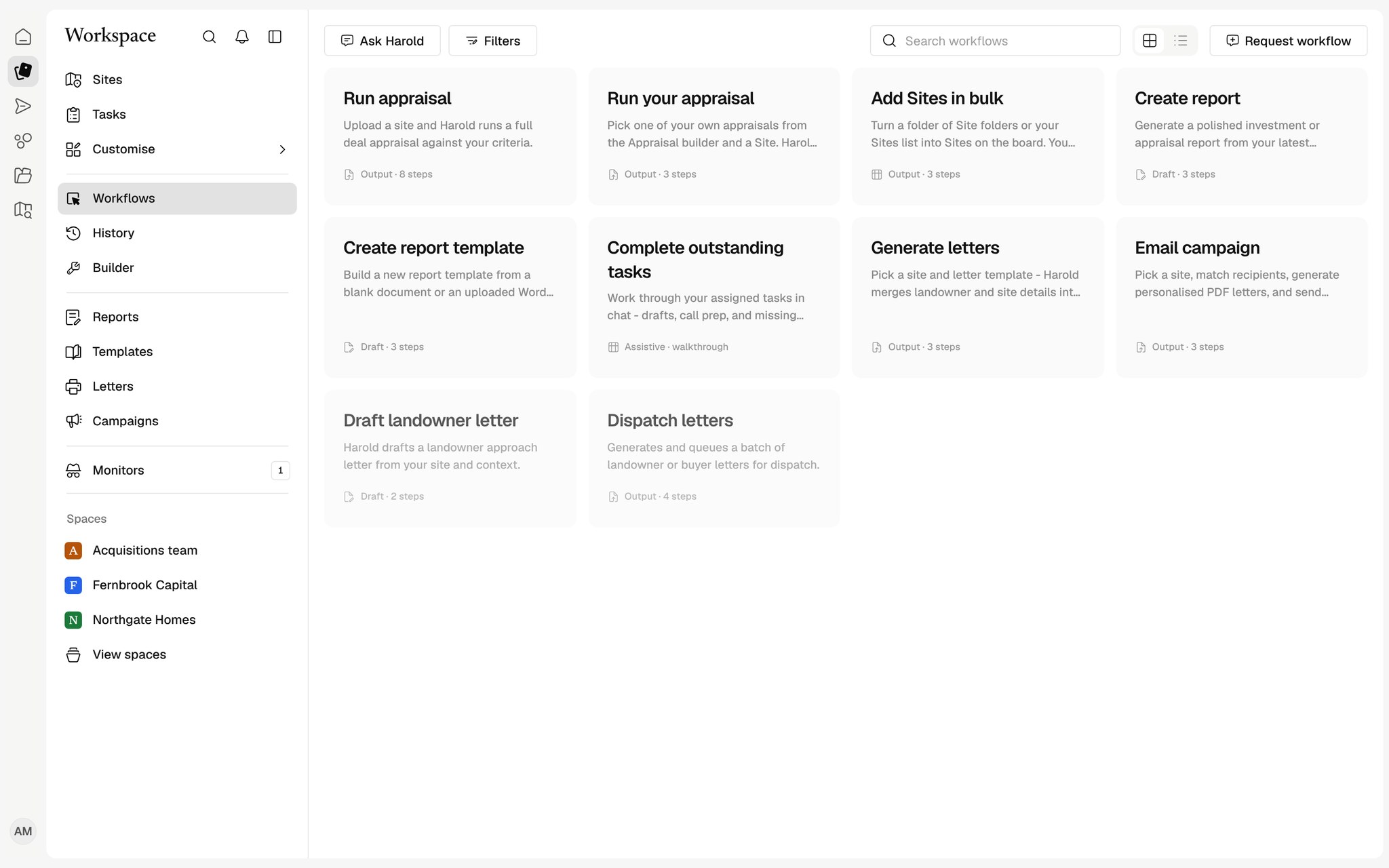
Start from Harold's workflows
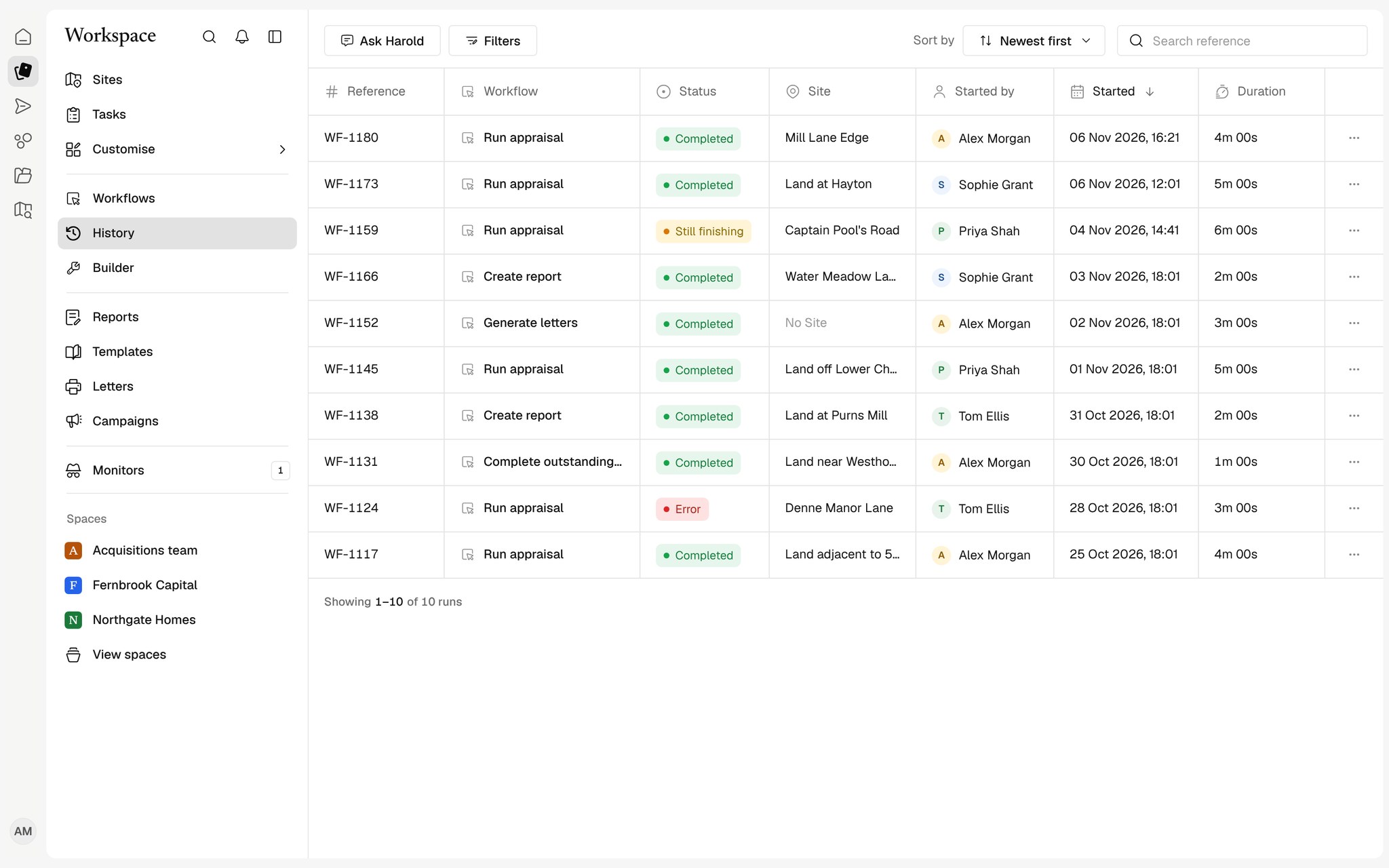
Run appraisal, document reads and report generation are ready to run. Each run is recorded in History so you can see what happened, step by step.
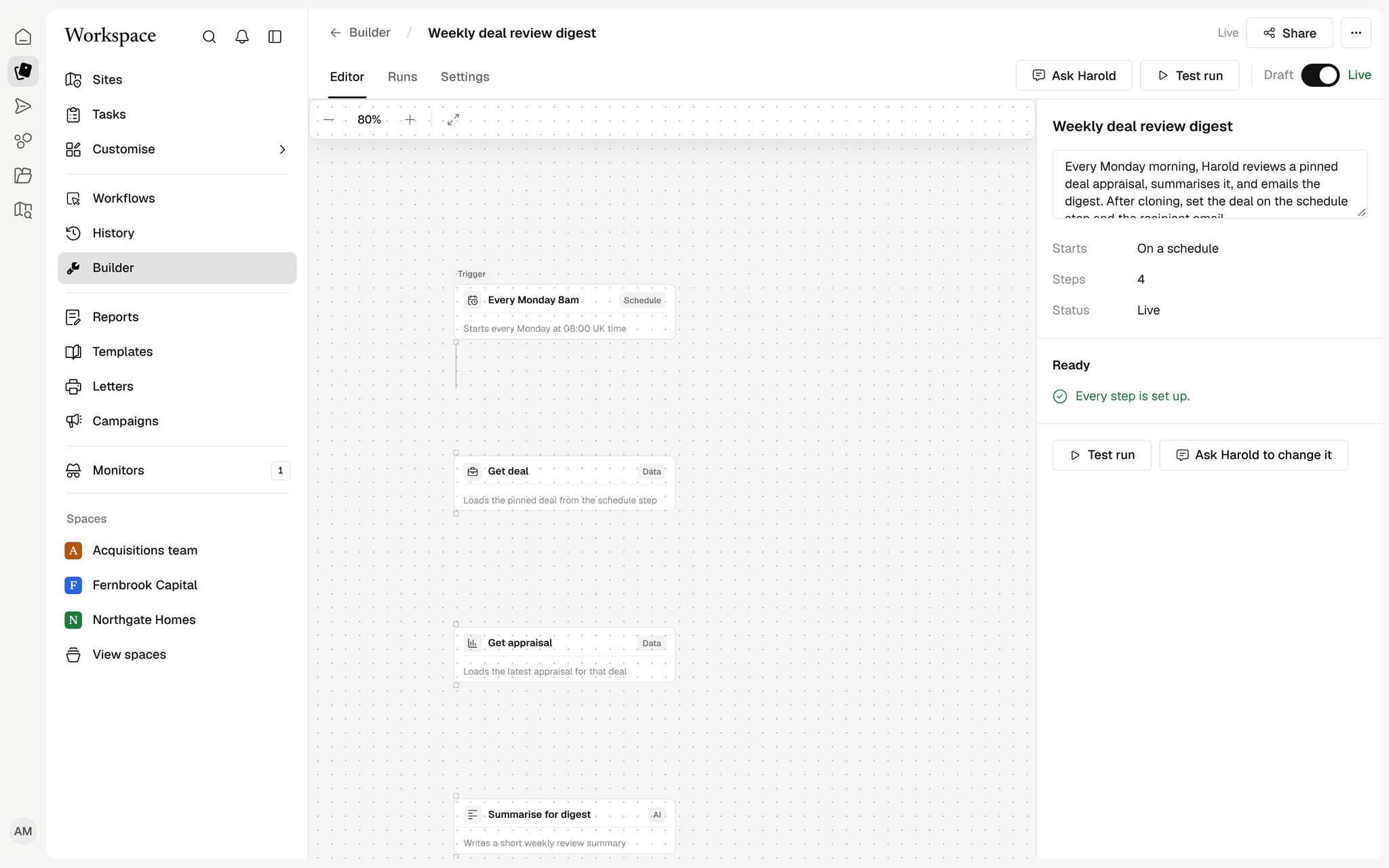
A builder your team can use
Add steps from a menu, write calculations in plain terms and test the workflow on a real Site before it goes live. Draft and live versions are kept apart.
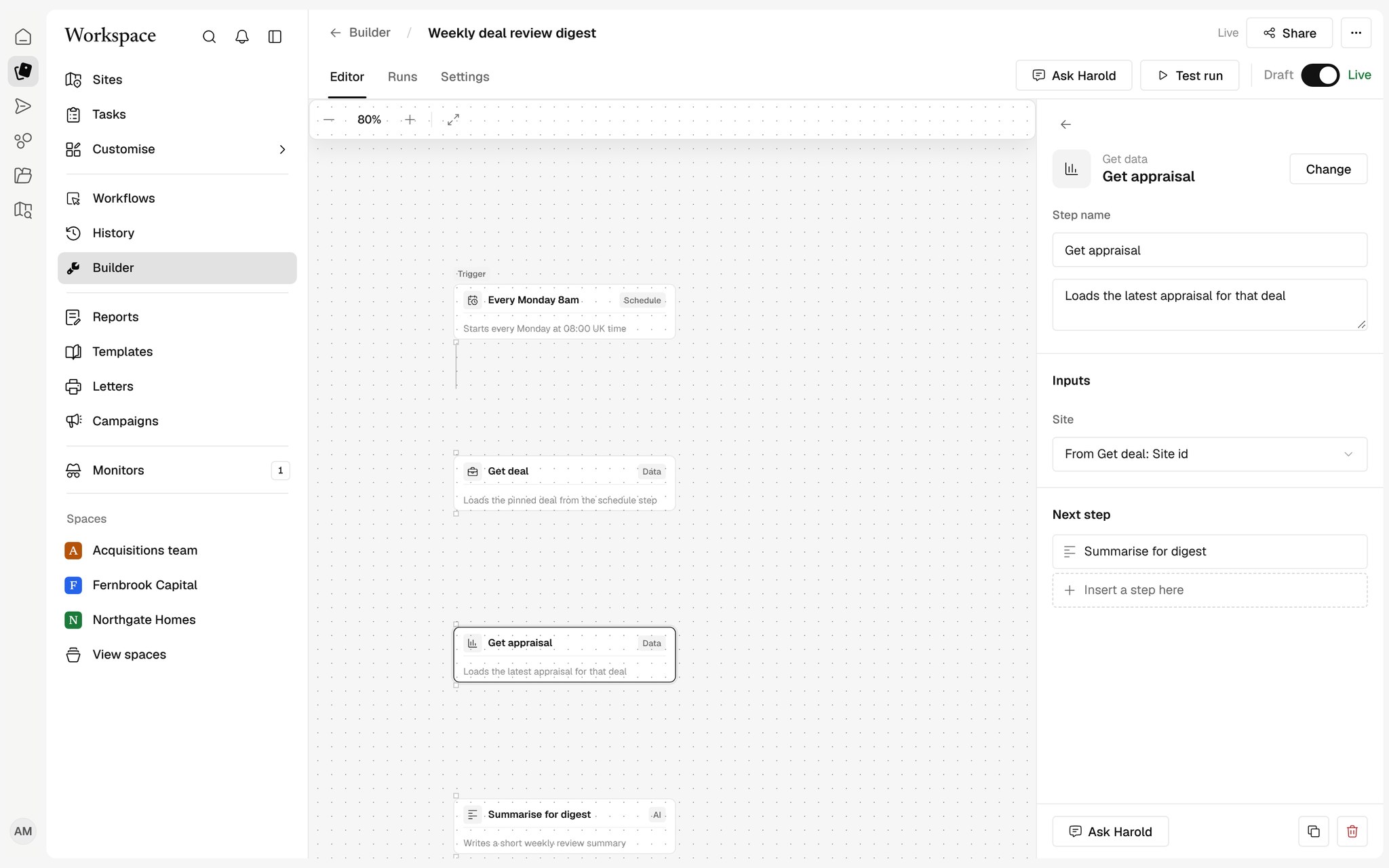
Steps that use the rest of Harold
Request a gateway approval, email a contact group, fill Viability from the documents, create a document, book a meeting or share to a client space.
How teams use Workflows
Standard reports on every Site
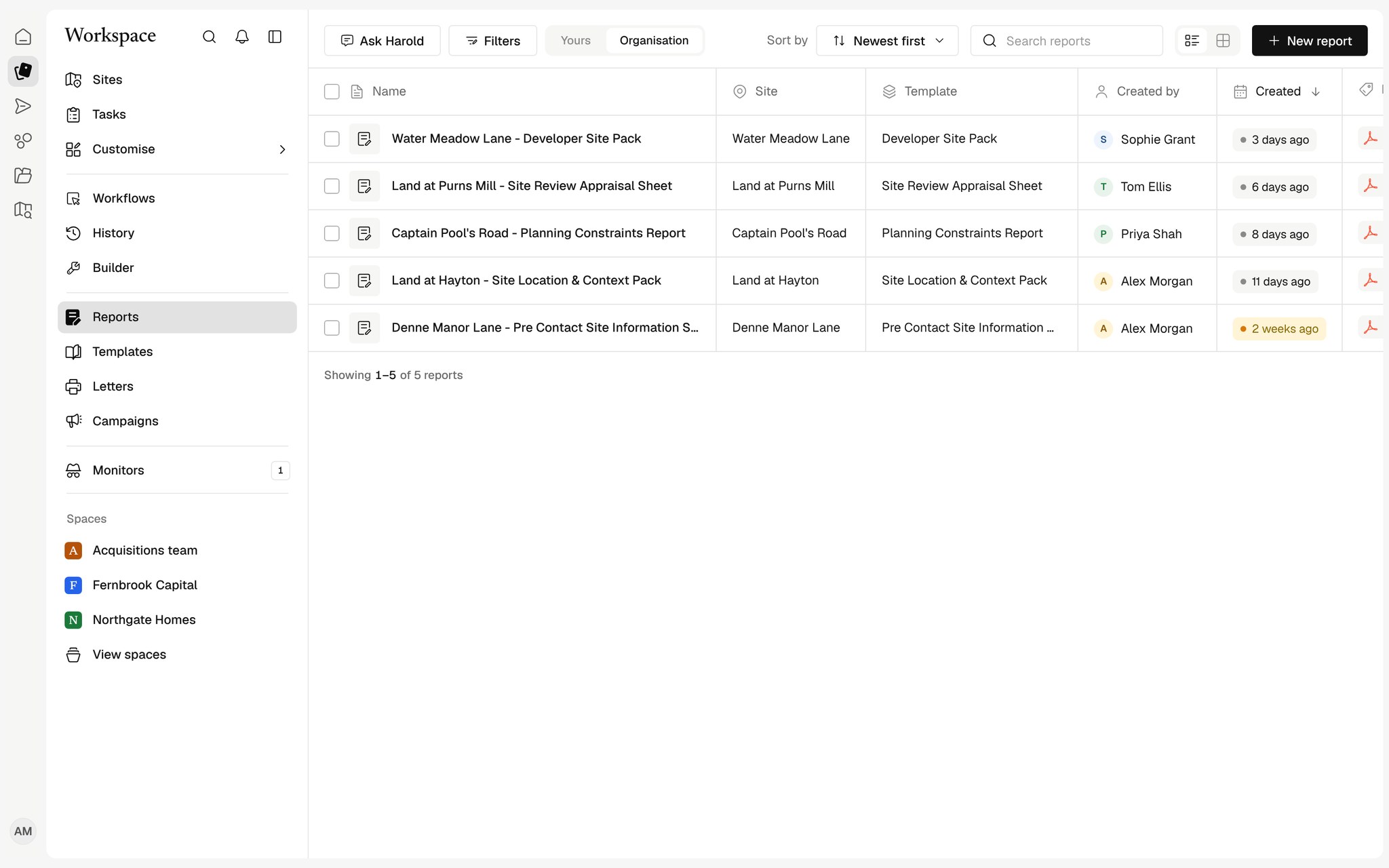
Start a report, a letter or an appraisal from the same list your whole team uses.
Your own process, built in minutes
Pick a trigger, add steps and Harold fills in the details, with no code.
Gateway reviews
Compile the stage report, ask for approval and move the Site when it is given.
An audit trail of every run
See what ran, on which Site, who started it and what came out.
Works with your tools
See all connectors



























Do we need a developer to build workflows?
No. Steps are chosen from a menu and fill themselves in where they can, such as the Site the workflow runs on.
Can a workflow send email on its own?
Only as part of a workflow you have published, from the person's own connected mailbox. Sending from a test run asks first.
What happens if a step fails?
The run stops on that step, records why in History and tells you, so nothing carries on in a half-finished state.