PlatformVault
Every document, read once and ready to question
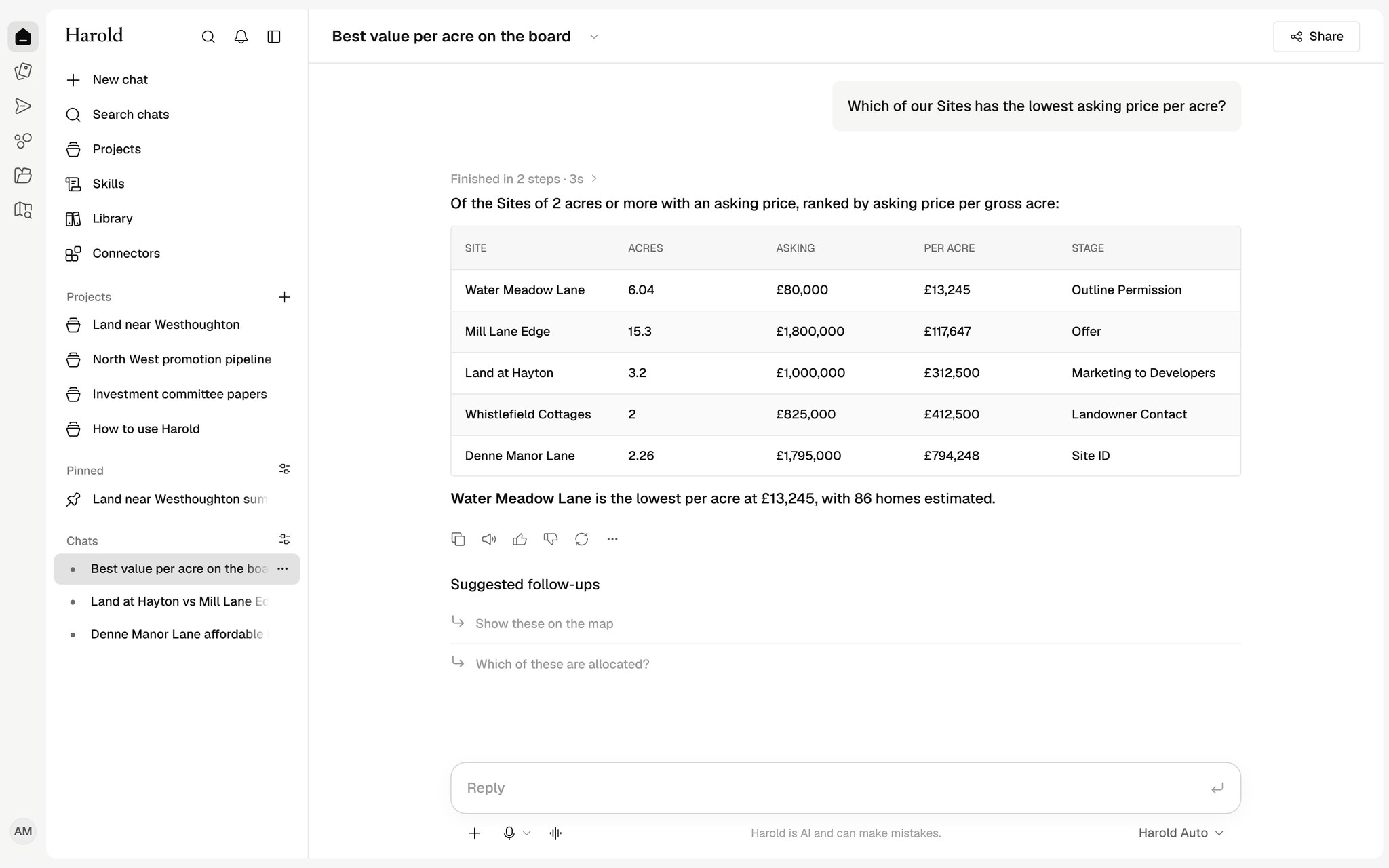
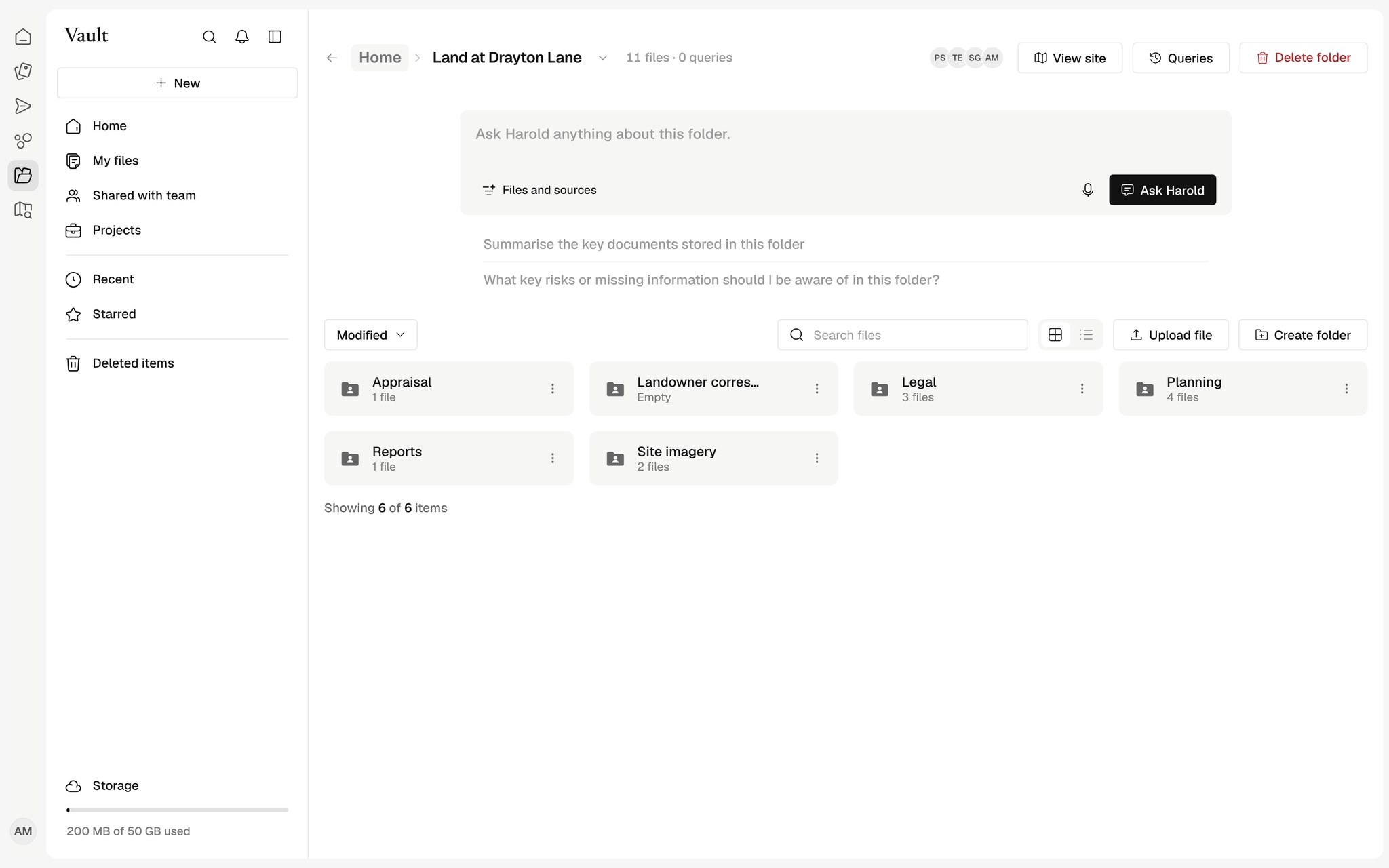
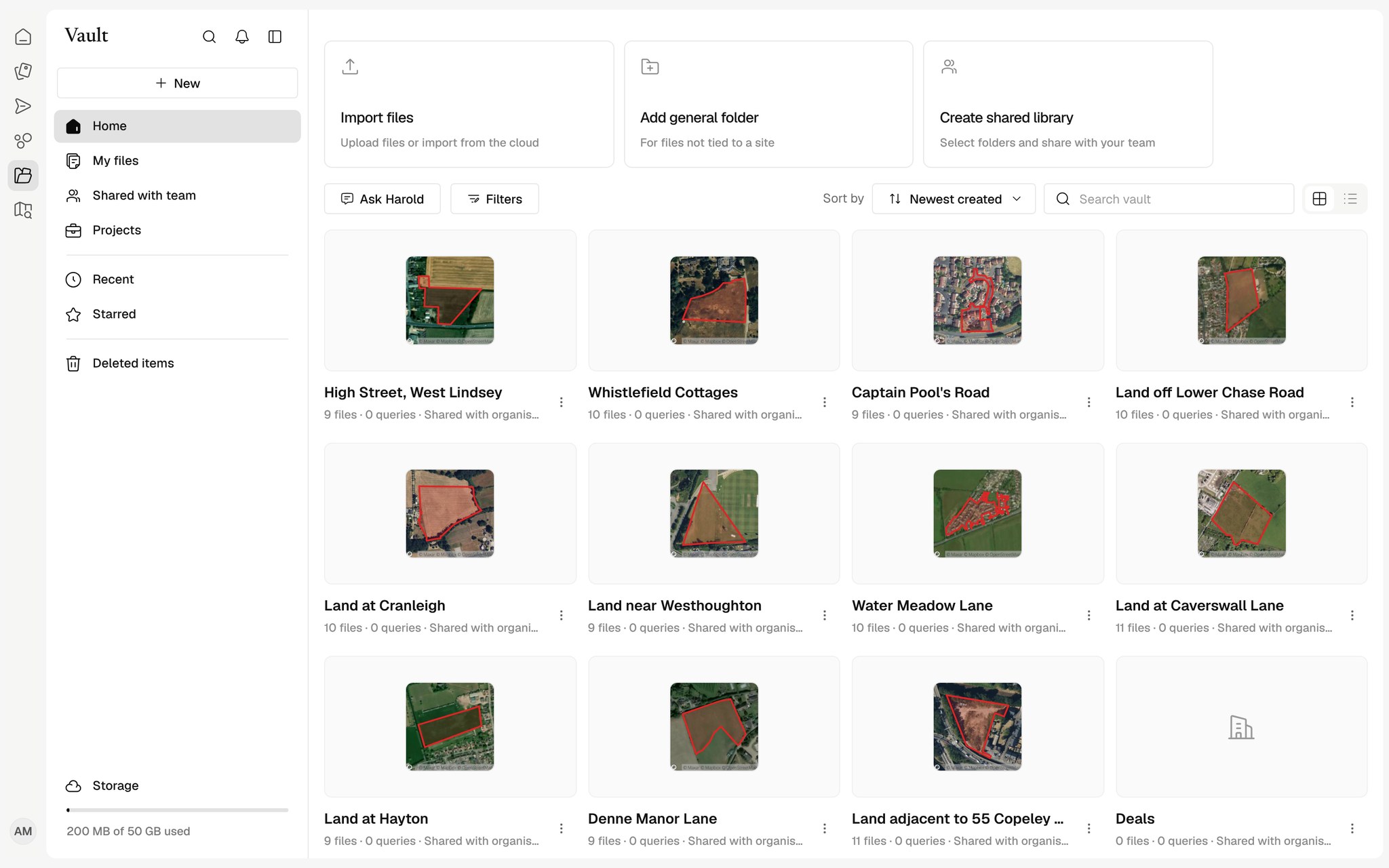
One home for every Site's files, read in the background so you can ask a folder anything and get the page it came from.

Read once
PDFs, scans, spreadsheets and email attachments, OCR included.
Ask a folder
Answers from the folder you are in, with the page cited.
Synced with your drive
Dropbox, Google Drive and OneDrive kept in step.
Ask the folder you are in
Ask a question inside a Site's folder and Harold answers from those documents only, citing the page each answer came from.
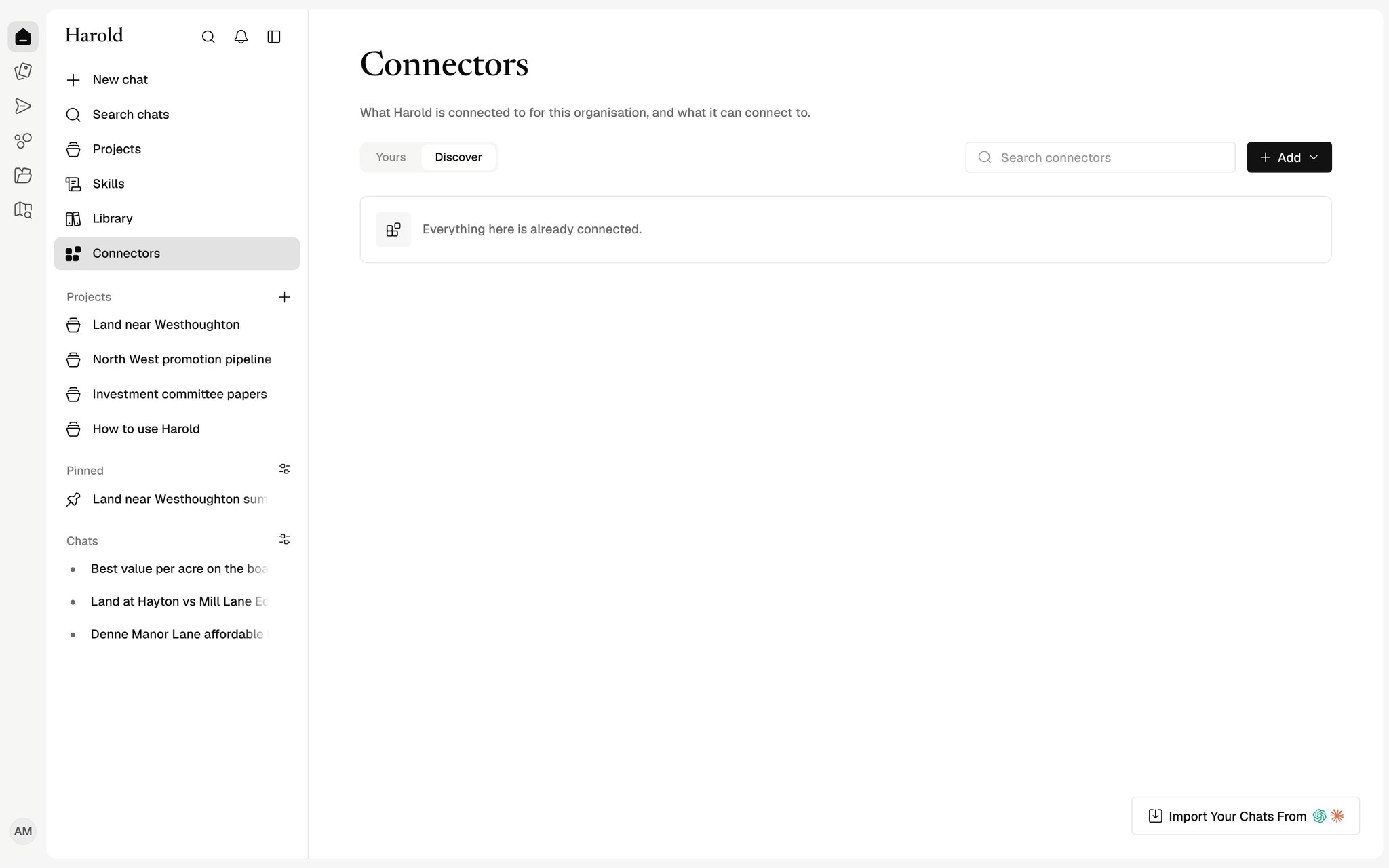
Your cloud storage, connected
Import from Dropbox, Google Drive or OneDrive and SharePoint. Files inside a Site's folder are filed on that Site automatically.
Docs, Sheets and Slides in Harold
Write documents with comments and suggestions, edit spreadsheets with formulas kept, and build decks that download as real .pptx files.
How teams use the Vault
Data room review
Ask a folder a question and get an answer with the page it came from.
Firm-wide files
One place for every Site folder, template and shared library your team uses.
Bringing your Dropbox across
Connect Dropbox, Google Drive or SharePoint and keep Site folders in step.
Works with your tools
See all connectors





























What file types can Harold read?
PDFs including scans, Word, Excel, PowerPoint, emails and images. Scanned pages are read with OCR.
Does importing move our files?
No. Imported files keep their folder structure, and changes in your cloud storage sync into Harold.
Who can see a document?
Files are private to you, shared with the team or shared with chosen people, and the assistant follows the same rules.