PlatformClient spaces
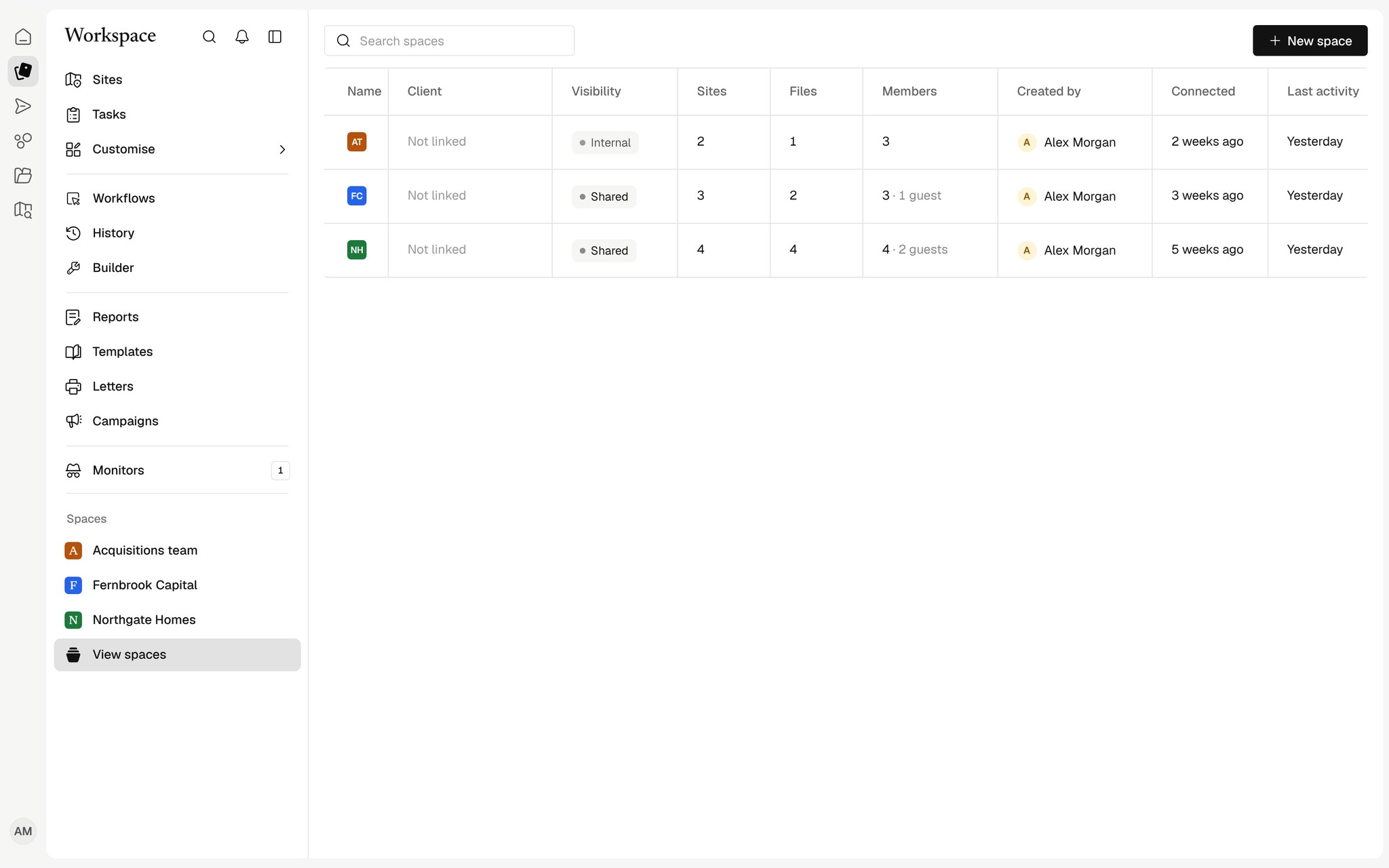
A shared space for each client
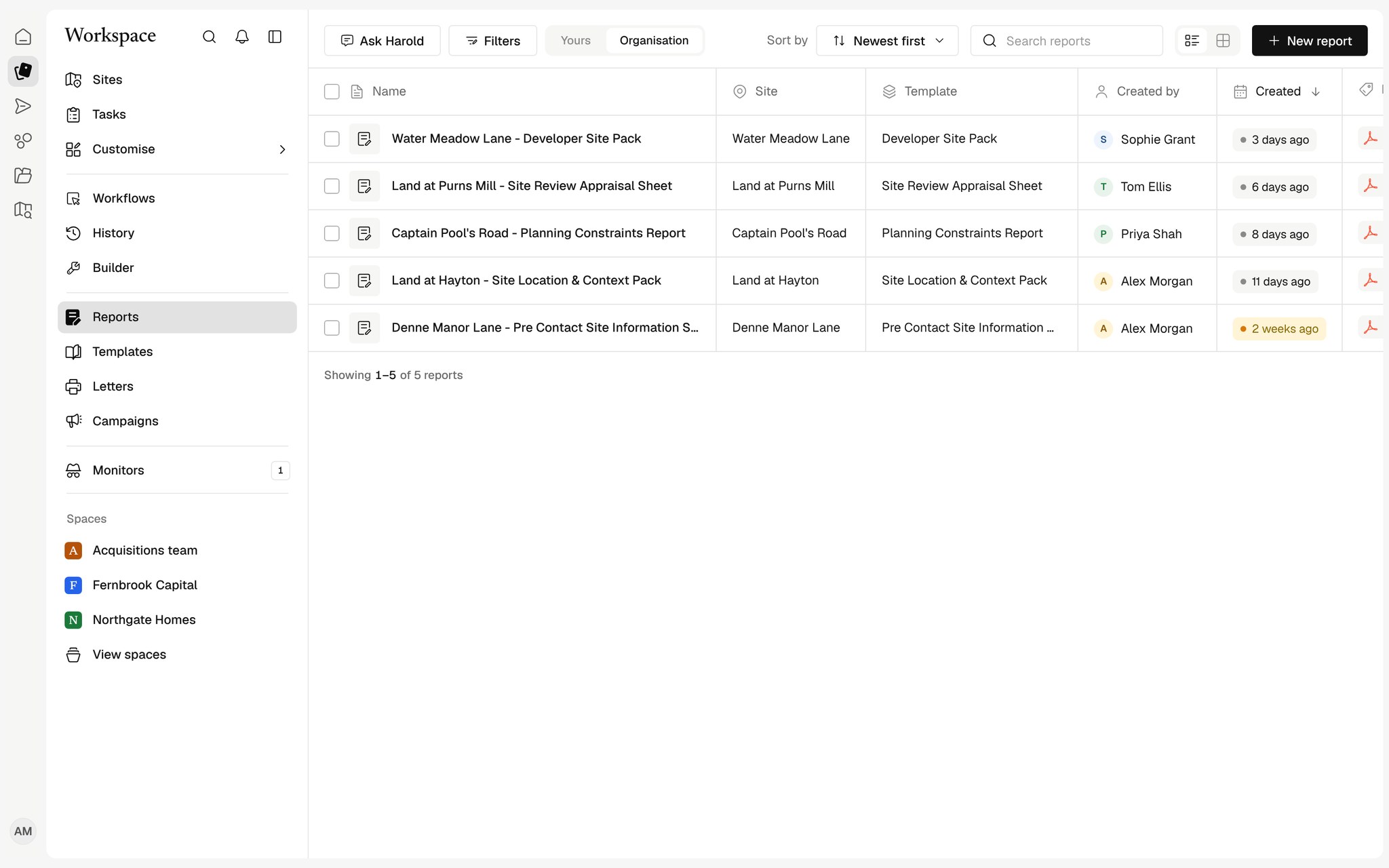
Share Sites, files, workflows and reports with a client by link, never by copy, and let them sign in to see only what you shared.

Shared, never copied
Records stay in one place; a space shows what you share into it.
Guest portal
Clients sign in and see only their space.
See what they use
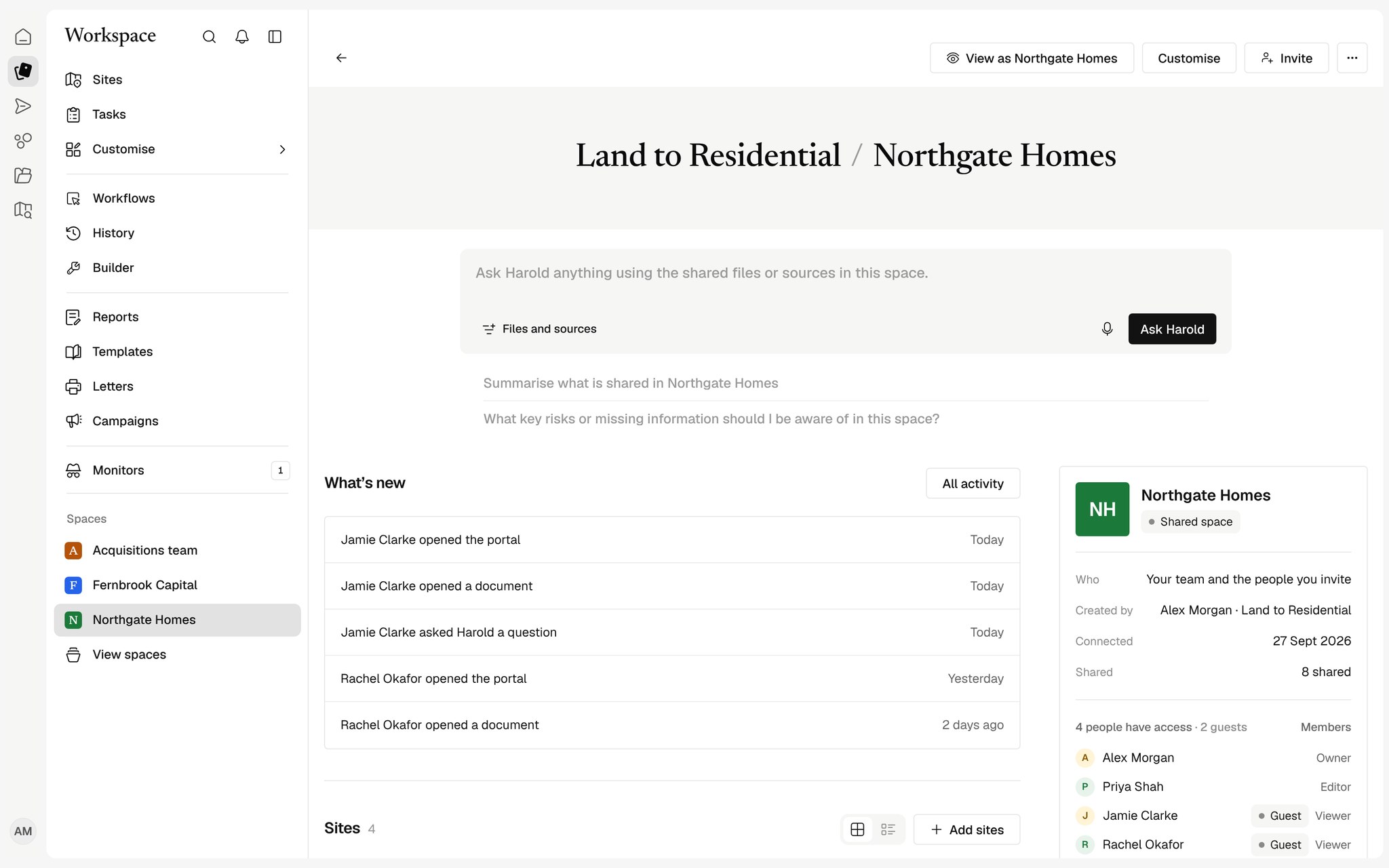
Opens, questions and runs, all in the space's activity.
One place per client
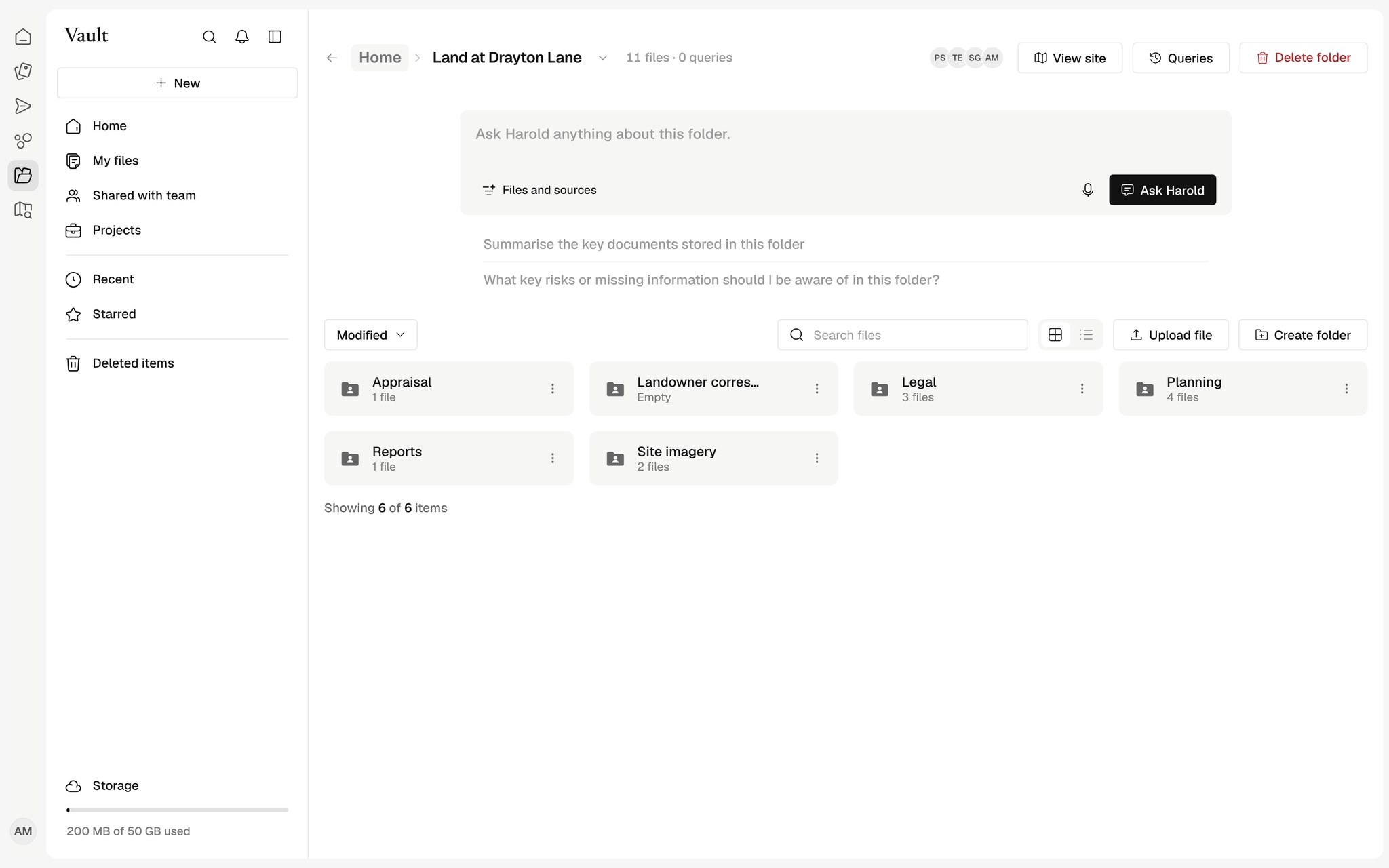
Create a space, share Sites, documents and reports into it and invite your client. Everything in it stays linked to the original record.
The same experience for your client
Guests see the shared Sites, files, tasks and people as clean tables, preview documents in place and can ask Harold about what you shared.
Questions scoped to the space
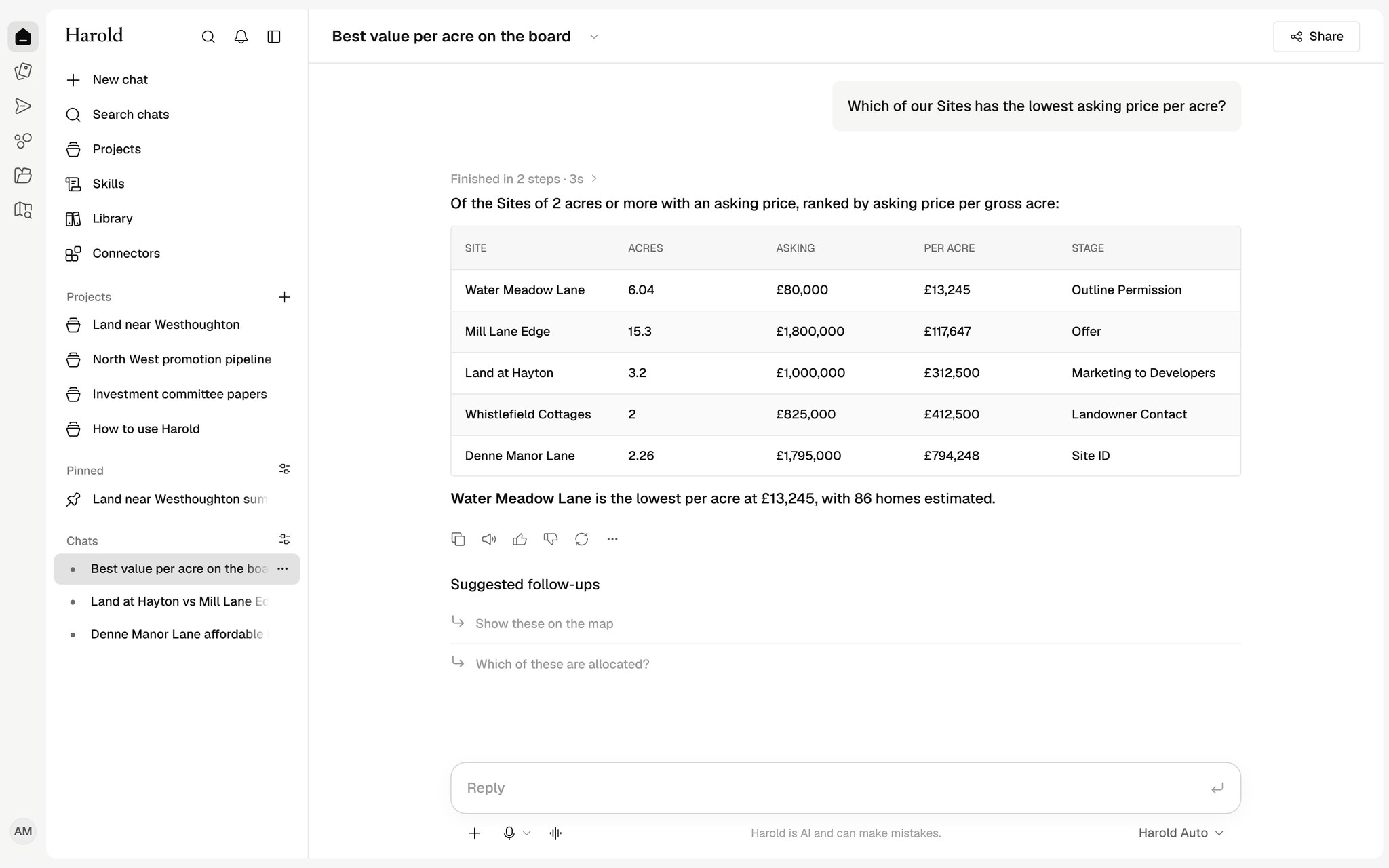
Inside a space, Harold answers only from what is shared into it, so a client never sees anything else.
How teams use Spaces
Client updates
Share the Sites, files and progress a client should see, and nothing else.
A space for each partner
One governed space per client, JV partner or investor, with its own members.
Works with your tools
See all connectors


























Do clients need a Harold account?
They sign in with their own email when invited, and see only the spaces shared with them.
Can a guest see the rest of our organisation?
No. A guest can open only the records shared into their space.